

Restaurants are often the biggest category in any Google Maps export. A mid-sized city can have more than a thousand places that serve food, from sit-down restaurants to coffee carts. That volume makes food a tempting niche for a directory, and also an easy one to get wrong.
A list of every restaurant in town looks like a worse version of a map app. A directory that narrows the field, organizes it well and keeps it accurate can be something people return to. This guide covers how to build one from a Google Maps export.
What people look for in a restaurant listing
- The type of food and the kind of place
- Opening hours, including today’s
- Address and a map pin they can tap
- A phone number for reservations or takeout
- A website or menu link
- A rating they can compare against nearby options
Narrow the category first
The single most useful decision is what not to include. “Restaurants in Austin” competes with every map app and review site. “Taco spots in Austin”, “bakeries in Portland” or “late-night food in Columbus” gives the directory a clear purpose and a much smaller, more manageable data set.
There are a few ways to narrow. You can pick a cuisine, such as Thai, pizza or barbecue. You can pick a type of venue, such as cafes, bakeries or food trucks. You can pick a need, such as breakfast spots or places that are open late. Each one produces a directory with a point of view, which is easier to describe and easier for search engines to understand.
Organize by cuisine and venue type
Google Maps category data for food is detailed but messy. One restaurant may be tagged as “restaurant”, “Mexican restaurant”, “taco restaurant” and “bar” at the same time. Another may only carry the generic label.
Decide on a short list of filters that match how people think, then map the raw categories into them. A broad food directory might use American, Mexican, Italian, Asian, cafes and bakeries, and quick bites. Keep the list short enough that every filter returns a useful number of results in a typical city. A filter that shows two listings makes the whole site feel empty.
Hours and closures matter more here
Restaurants change hours often and close more often than most local businesses. A directory that sends someone across town to a place that shut down last spring loses that visitor for good.
Before every build, remove listings your export marks as permanently or temporarily closed. Show opening hours clearly on every listing card, because people often search for food right before they leave. When you refresh the data, compare the new export with the old one and look at which places dropped out. That list is often a quick way to spot closures your export didn’t flag.
Build neighborhood and city pages
People think about food by area. They want to eat near home, near work or near wherever they’re going tonight. City pages are a good start, and in larger cities, smaller groupings help even more.
The builder creates county and city pages automatically, with filters and a map on each. Guide pages can then cover the neighborhoods inside a city, such as “breakfast spots in downtown” or “cafes near the university”, and link into the matching city page. That gives visitors a starting point that matches how they actually plan a meal.
Handle food trucks differently
Food trucks are popular, and they’re hard to list well. Many park in different places on different days. Some Google Maps listings show a commissary kitchen address, a home base or a single regular spot.
Treat food trucks as their own category. Show the area they serve rather than implying a fixed location, and link to their website or social profile where they post their schedule. If you build a food truck directory on its own, a weekly guide page covering where trucks gather in the city can become the most visited page on the site.
Photos and ratings
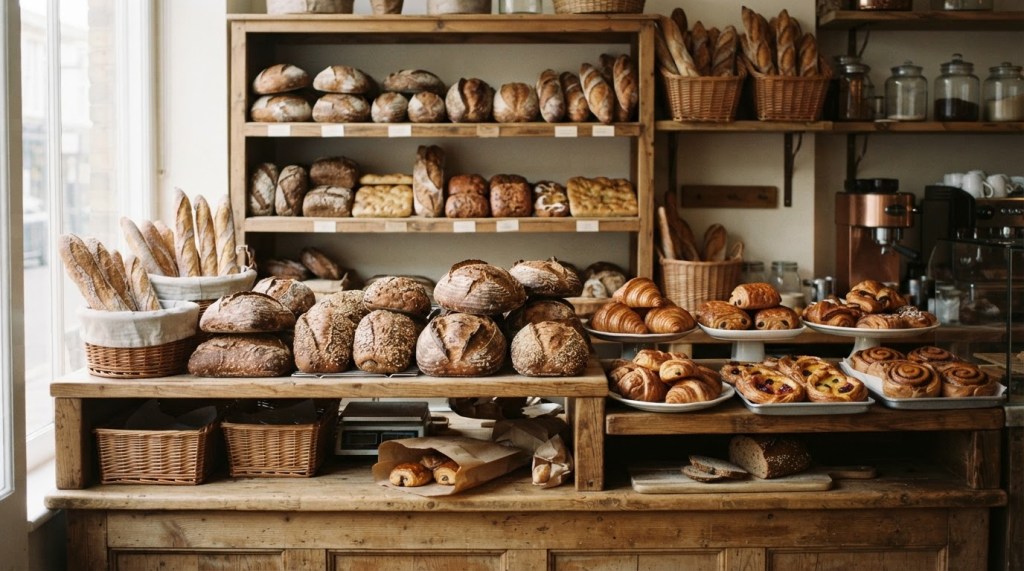
Food is visual, and restaurant listings in Google Maps usually come with plenty of photos and reviews. Ratings and review counts are helpful for comparing places, so show them where your data includes them.
Be careful with how you present them. Don’t call a list “the best” restaurants unless you explain how you chose them, and don’t rewrite reviews as your own opinion. If you add hero images or illustrations to city pages, our guide to photography for directory sites covers image choices that load quickly and look right on a phone.
Working with restaurant owners
Restaurant owners are busy, and many get frequent pitches from delivery apps and marketing services. A short, useful first message stands out.
Tell them their restaurant is listed, link to the page and ask them to check the hours and details. Offer to fix anything that’s wrong. Some owners will send a better photo or mention a seasonal menu, and those updates make the directory stronger. Over time, a few may want a featured spot, especially new restaurants trying to get noticed in their first months.
Questions builders ask about restaurant directories
Should I cover every restaurant in a city?
Usually not at first. A focused directory on one cuisine, venue type or need is easier to build, easier to keep accurate and easier to explain. You can add categories once the first version is working.
How often should a restaurant directory be refreshed?
More often than most niches. Every two to three months is a reasonable starting point for a busy city, with a quick closure check in between.
Can I include bars and breweries?
Yes, but give them their own category. People looking for a family dinner and people looking for a craft beer are rarely the same visitors on the same night.
Restaurant Directory Playbook is published by 1 Click Directory Builder, a tool that turns a Google Maps export from Outscraper, Apify or any scraper into a complete local directory site with city pages, filters and guide pages.
This guide is part of Restaurant Directory Playbook, a series from 1 Click Directory Builder on directories for restaurants, food trucks and bakeries.
1 Click Directory Builder · support@1clickdirectorybuilder.com · Turns a Google Maps export from Outscraper, Apify or any scraper into a complete local directory site · 1clickdirectorybuilder.com

